 Écritoire
Three desktop apps for writing, each in its place: Plume for the blog, Encre for the book, Carnet for everyday life. They look alike, share their settings and pass texts to each other, but each one installs and works on its own.
Everything stays on your computer: no account, no subscription, no server. The spelling and grammar checkers work offline and nothing goes to the Internet unless you ask.
 Plume
 Encre
 Carnet
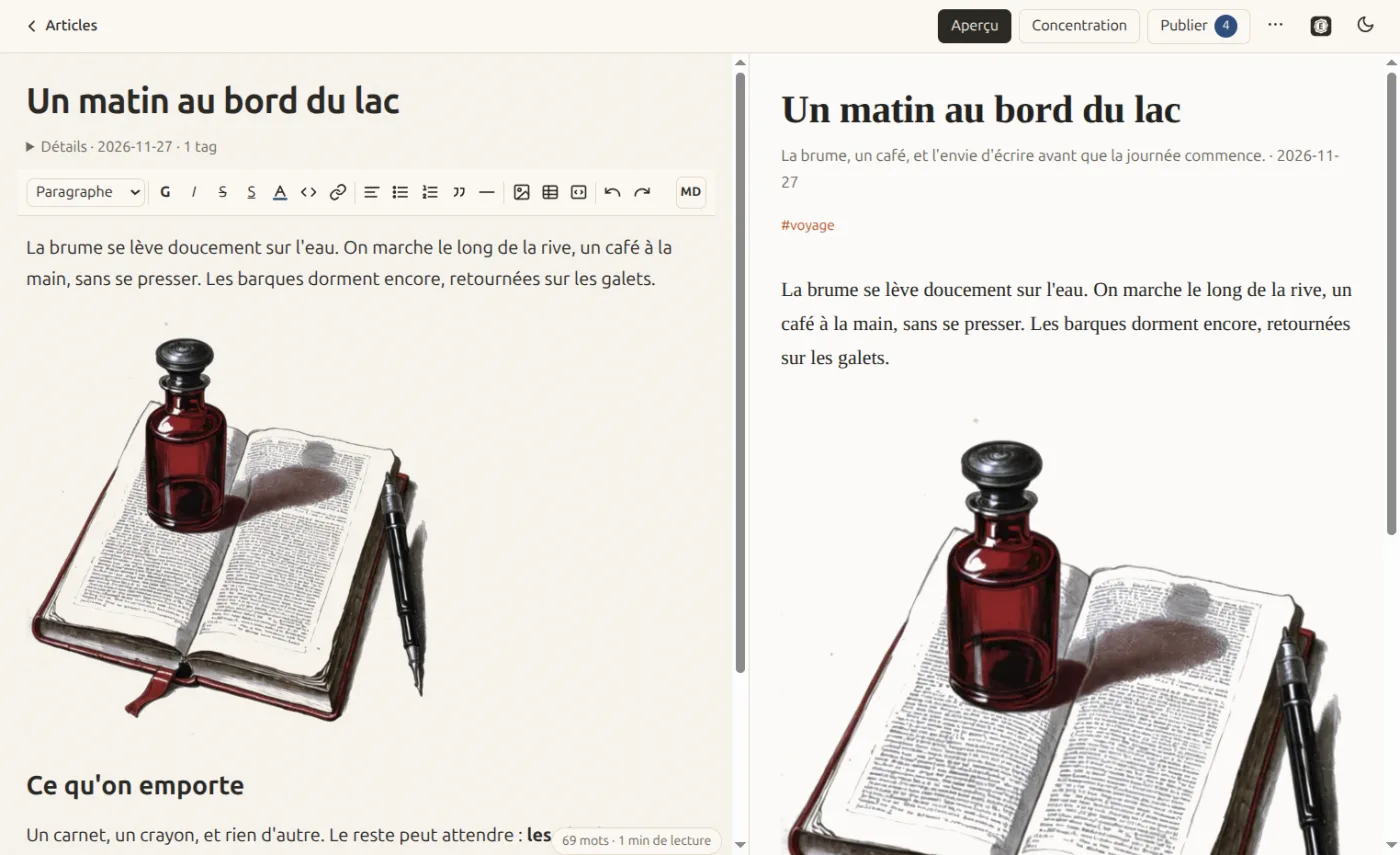
 Plume
An editor for Markdown blogs. You write in a live view, with a preview in your blog's style, then publish in one click: Plume commits your posts and photos, pushes them and follows the deployment.
- Starter blog ready to publish, eleven styles to choose from, no account or sign-in.
- Photos resized and cleaned (GPS position removed), gallery, song of the day.
- Checks before publishing, scheduled posts, version history.
- Notes sent from Carnet arrive as drafts.
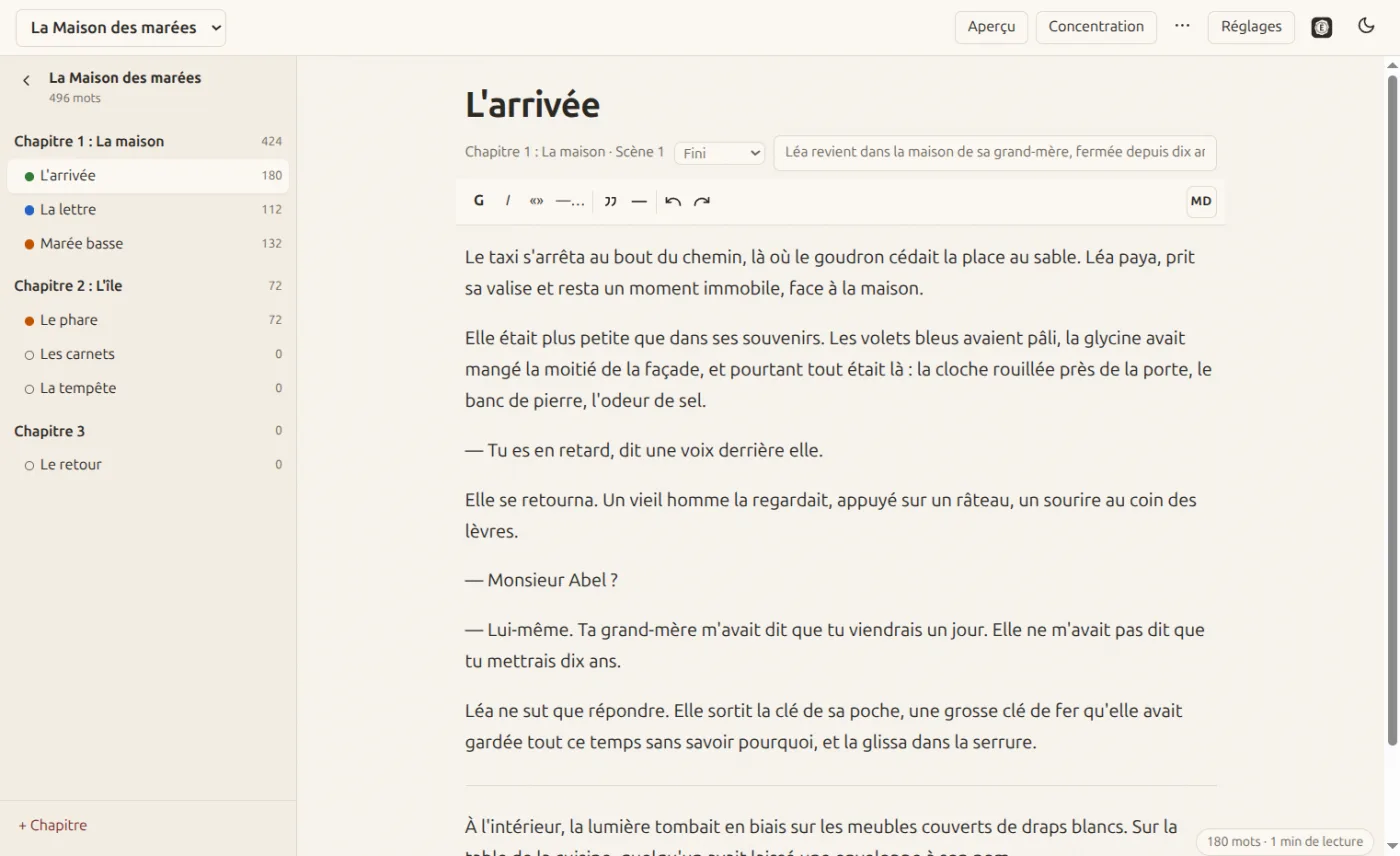
 Encre
An editor for writing a book, chapter by chapter and scene by scene. The outline is rearranged by dragging, each scene has its status and summary, and versions are kept automatically.
- Outline on the left, word counts per scene, chapter and book.
- Dialogue, quotation marks and scene breaks at hand, preview as a book page.
- Automatic versions (git) and optional online backup to a private repository.
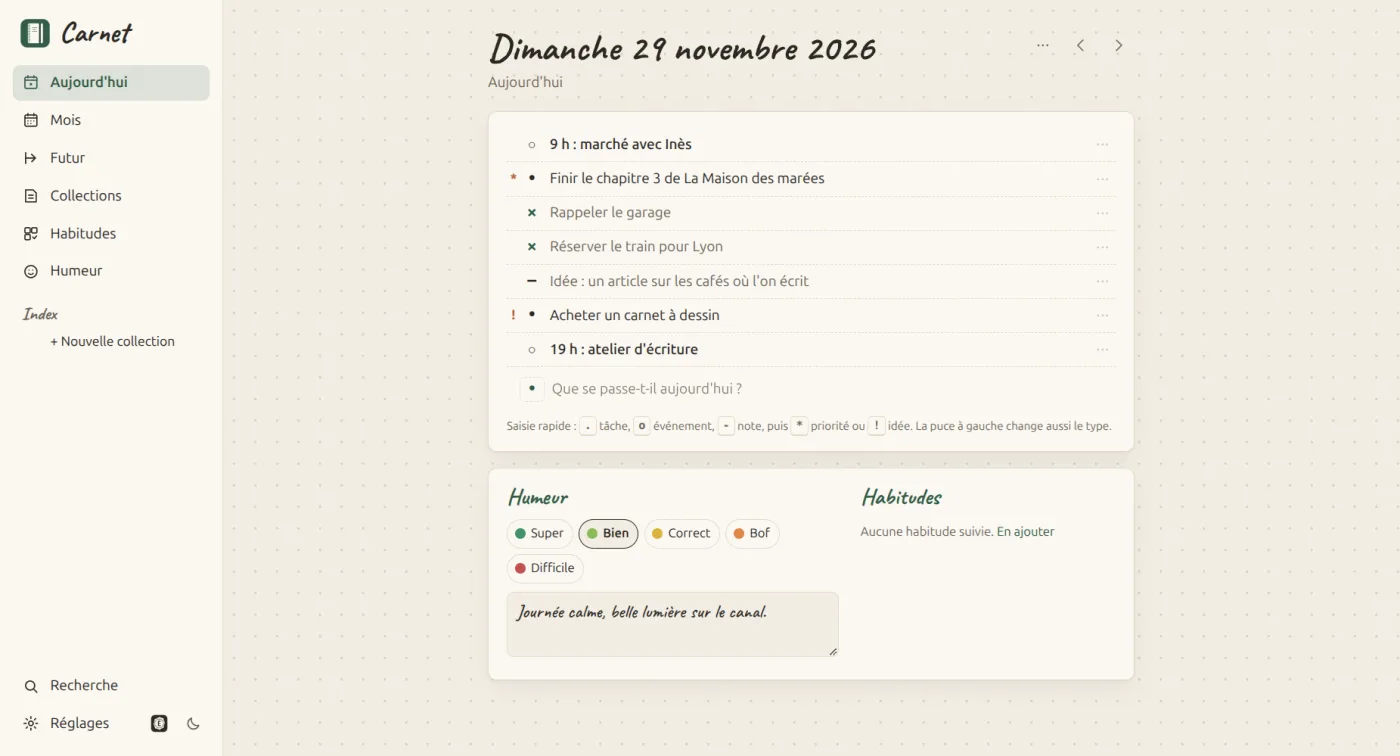
 Carnet
A bullet journal: daily log, monthly log, future log, task migration, collections, habits and mood. You write line by line, from the keyboard, as on paper.
- Optional sync through a shared folder or WebDAV, journal encrypted with a password if you want.
- “Send to Plume”: an entry, a day or a collection becomes a draft post.
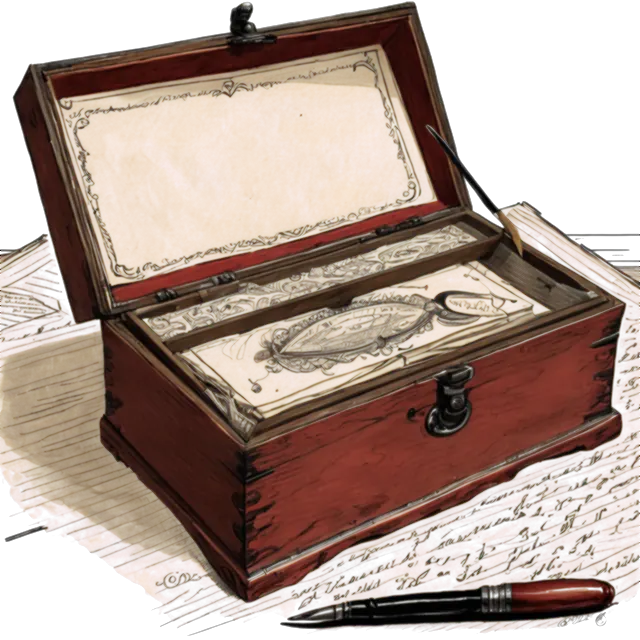
Together
- Shared settings, followed live: light or dark theme, language (French or English), font and text size, checkers, personal dictionary.
- Spelling checker, and a French grammar checker, offline.
- Same paper, same ink, one colour per app; each one opens the other two from its seal.
Install
Each app is downloaded from its releases page: Windows (.exe installer), macOS (.zip, Apple silicon and Intel)
and Linux (.AppImage). They tell you themselves when a new version is out.
The apps are not signed. On Windows, “More info” then “Run anyway”. On macOS, right-click the app then “Open” the first time. On Linux, make the AppImage executable.